

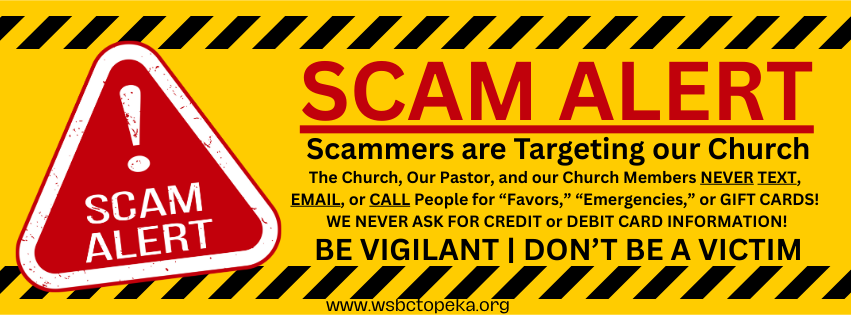
🚨 SCAM ALERT! 🚨
The Church and I do NOT email, text, call, or ask for “favors.”
We NEVER ask for GIFT CARDS!
Always Call the Church Office at (785) 233-4241 to Verify.
If in doubt, Do Not Do It, it’s a SCAM!
Dear WSBC Family,
I received calls and texts from members and friends saying a message went out from the Church Office saying I needed for a favor.
It is NOT the Church Office or me. It’s a SCAM!
- Do NOT open any Links or Reply!
- Report the scam (see below).
- Block the number.
- Delete the message.
Feel free to call the Church Office at (785) 233-4241 to double-check!!
Pay close attention to the email address from the sender! – even if the name is “Rev. Ivan E. Greuter” or “Church Office.” We do NOT use Email addresses from Google Gmail, Outlook.com, Yahoo Mail, or other email services to send messages.
Pastor’s email address is: pastor@wsbctopeka.org
The Office email address is: office@wsbctopeka.org
My apologies for the confusion and inconvenience!
Blessings,
Pastor Ivan+
REPORT FAKE EMAILS AND SCAMS!
To report a fake phishing email, you should forward it to the Anti-Phishing Working Group (APWG), the Federal Trade Commission (FTC), and, if applicable, your email provider.
Where to Report
- Anti-Phishing Working Group (APWG): Forward the email to reportphishing@apwg.org. The APWG uses these reports to track criminal activity and shut down fraudulent sites.
- Federal Trade Commission (FTC): Report the attempt online via ReportFraud.ftc.gov. Your report helps law enforcement detect patterns of wrongdoing.
- Federal Bureau of Investigation (FBI): File a complaint with the FBI’s Internet Crime Complaint Center (IC3). This is recommended if you have lost money or sensitive information.
- Specific Organizations: If the email impersonates a specific company (like your bank) or government agency (like the IRS or USPS), report it directly to them.
- For fake IRS or Treasury emails, forward them as an attachment to phishing@irs.gov.
- For emails related to the U.S. Postal Service, forward them to spam@uspis.gov.
Important Steps Before Reporting
- Do not reply to the email, click on any links, or open attachments.
- Do not provide any personal or financial information.
How to Forward the Email Correctly
Forwarding the email as an attachment is the best method as it preserves important header information that helps investigators.
- In most email clients: Create a new email, save the phishing email as a file on your computer, and attach that file to the new email. Alternatively, some clients have a “Forward as attachment” option.
- Use built-in reporting tools: Many email providers like Gmail and Outlook offer a “Report phishing” button, which automatically sends the necessary data to the provider and deletes the email from your inbox.
If You Responded to the Email or Lost Money
If you have already disclosed sensitive information, clicked a malicious link, or lost money:
- Run a scan with your computer’s security software if you clicked on a link or opened an attachment that might have downloaded malware.
- Contact your bank/credit card company immediately to report the fraud and discuss placing a fraud alert on your account.
- Go to IdentityTheft.gov for specific recovery steps based on the information that was lost.
- Change compromised passwords immediately.